Open from Documents
Choose Open in app on any file, or launch the app and sign in with your UniWork account.
Create documents, spreadsheets and presentations with AI. Connected to your UniWork workspace.
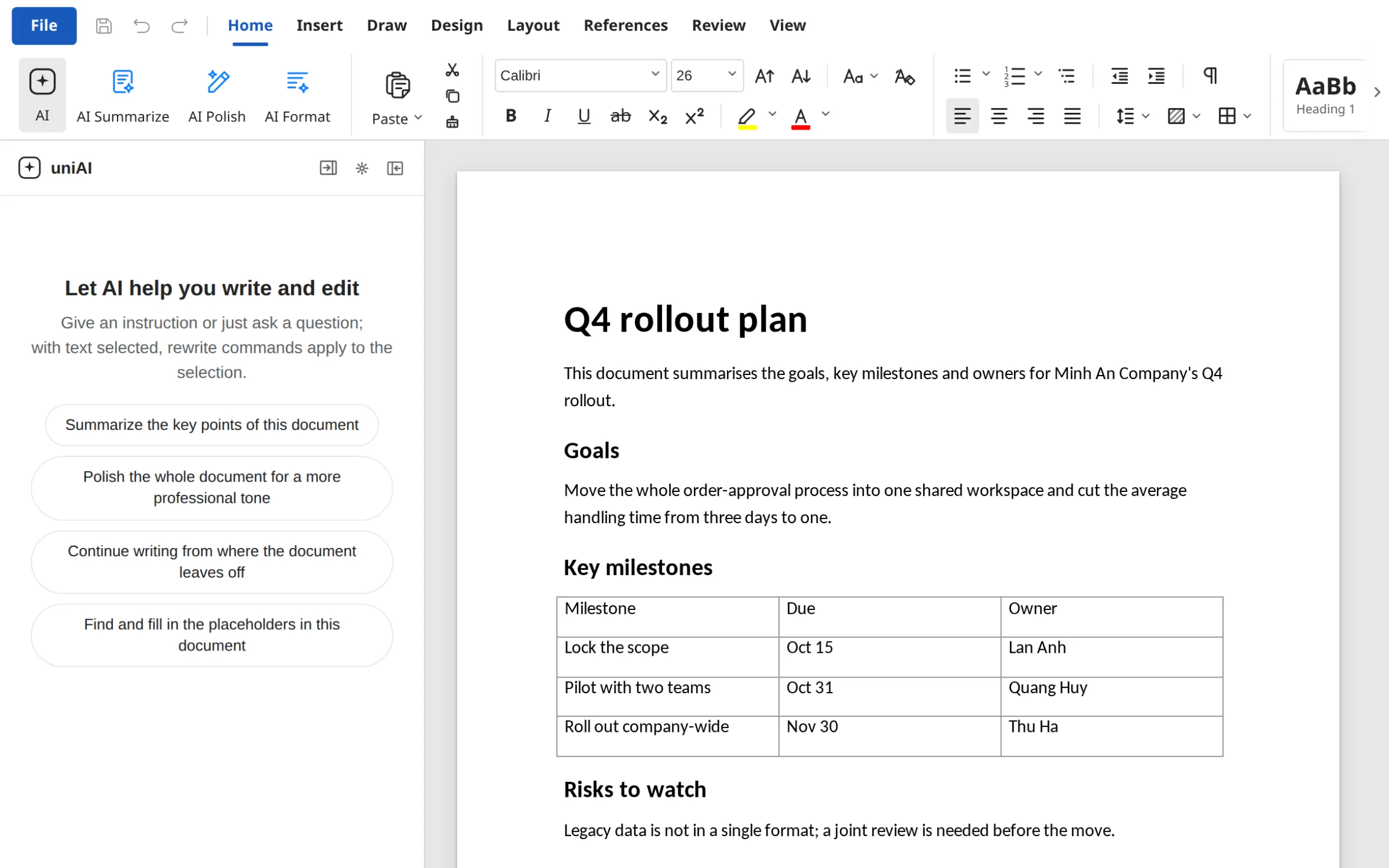
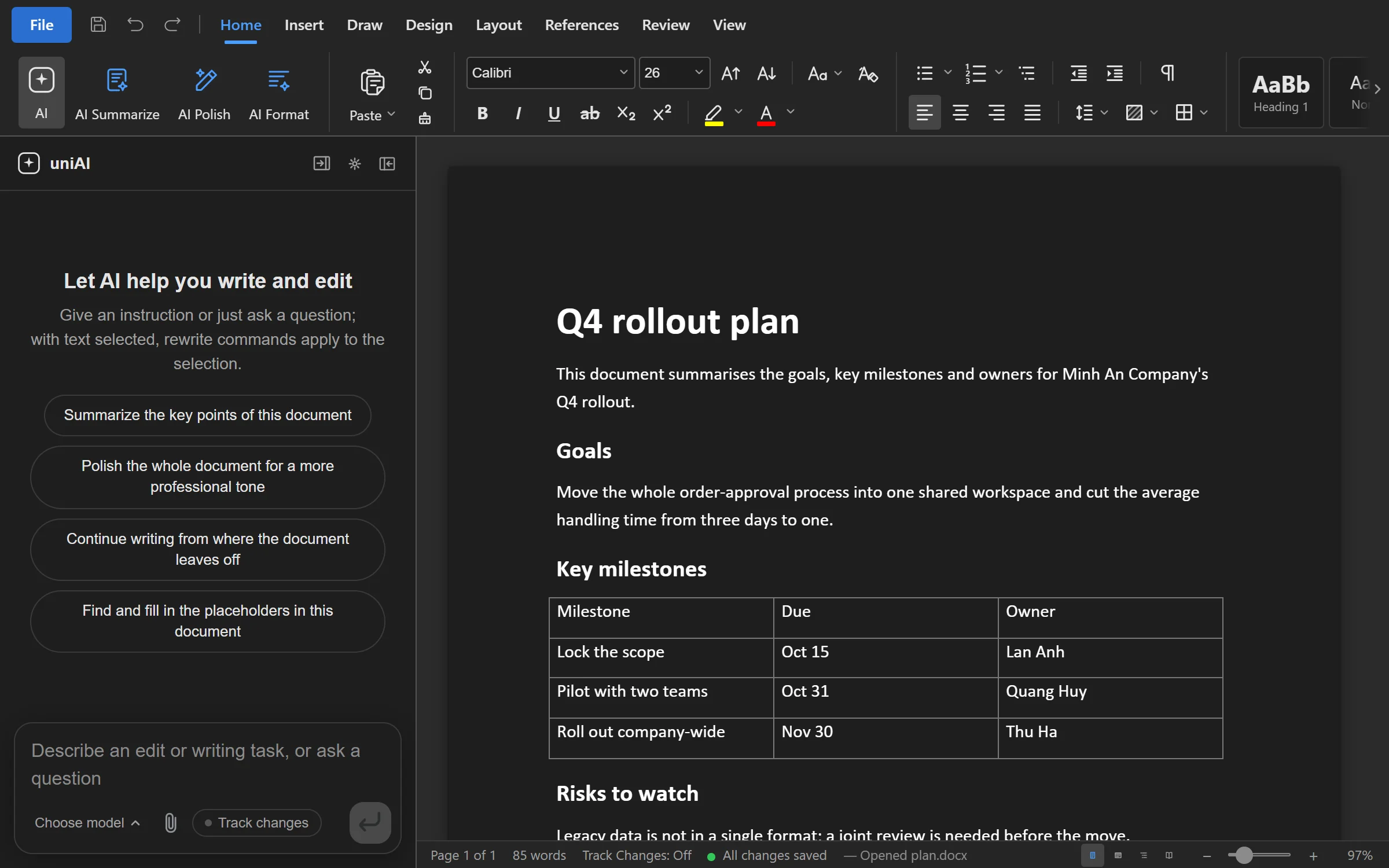
Write, format and review DOCX files in the app. Ask AI to draft, rewrite a paragraph or summarise, then decide what to keep.
Tell AI the goal and the reader, get a draft, then adjust it to your team's voice.
Work on your computer, connected to your team's files and access rules.
Sign in to Office with your UniWork account.
Runs on UniWork AI and counts against your plan's credits.
Workspace files follow your organization's permissions.
Keep files locally and edit without a connection.
Save versions, share and comment with your team.
Opening and saving workspace versions need a connection.
Loading the list of versions…
The app is not apart from the workspace: files go from UniWork to the app and back.
Choose Open in app on any file, or launch the app and sign in with your UniWork account.
Every save adds a version; earlier ones stay so you can go back.
Your team still sees the file, its comments and its access in UniWork.
The UniWork ecosystem
Start a workspace. Connect the conversation to the work that matters.